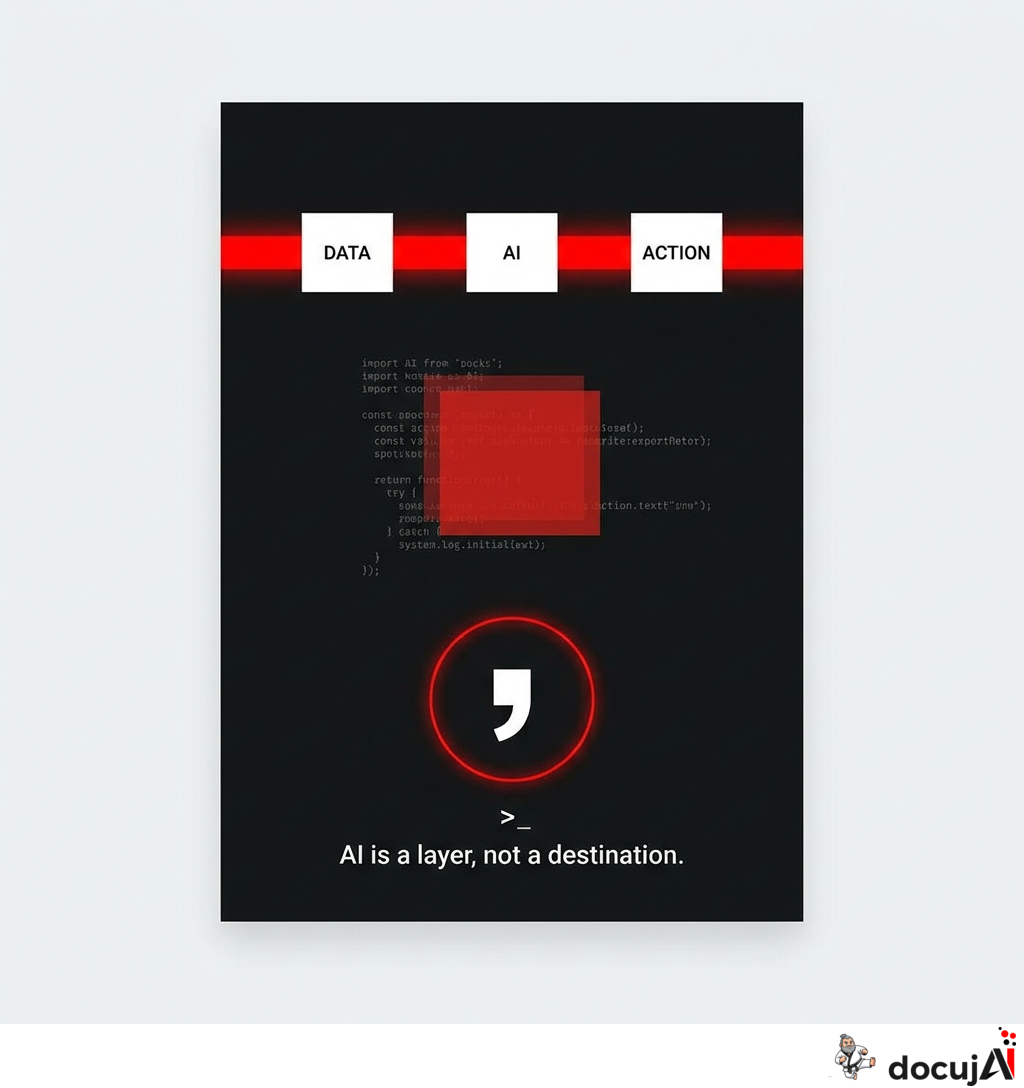
I've built a small Nushell module called yolay.nu. It's about 470 lines of code. It's the most productivity-enhancing thing I've written this year, and I think it points to something broader about how AI should be integrated into a workday—not just mine.
The module does one thing: it loads an LLM conversation as an overlay in my shell. The conversation lives in two environment variables—$env.YO_CTX contains the context itself, $env.YO_CFG provides the provider, model, and tools. I start a conversation with say "...", continue with , (comma—the most important character on my keyboard now), see the last response with reply, and can extract the response into a pipeline at any time: reply | save -f draft.md.
It sounds trivial. It isn't.
The Friction I No Longer Have
The classic AI workflow is context switching. You have your terminal where the real work happens, and then you have a chat tab somewhere else where you ask the AI for advice. Every time you switch, you lose something. You have to copy the terminal output into the chat field. You have to paste the answer back. You have to think in two formats simultaneously: shell data on one side, prose on the other.
With yolay, that switch disappears. My own Nushell commands and the LLM live in the same process, speak the same language (data), and can be piped into each other:
ls **/*.md | where size > 10kb | get name | to text | say "which of these should I merge?"
There's no copy-pasting. There's no tab switching. The LLM is just another command in the pipeline—like where, sort-by, or save. And its response is just another string that I can pass along with reply | ....
This means my custom Nushell modules—email, drupal, linkedin, iwe, all that I've built over months—can talk to an LLM without me having to do a single integration. They're already integrated. The pipeline is the integration.
Why It Keeps Me in the Driver's Seat
This isn't an agent that takes over. It's the opposite.
In the usual agent frameworks, you give up control to gain speed. You tell the agent a goal, it gets to work, and reports back when it's done. That works for some things. But I'm no longer in the driver's seat—I'm in the back seat, hoping for the best.
yolay flips that around. Every turn is one command. I see it streamed live: assistant text in green, tool calls in magenta, output in muted colors. When a turn is finished, I'm back at the prompt. I can:
- type
,and continue the conversation - type
popand delete the last exchange if it went wrong - type
tools noneto remove tool access for the next turn - type
tools bash read_fileto provide exactly what I want - type
model claude-sonnet-4-6to switch to a stronger model - type
snap session.jsonlto save the context for later - type a regular Nushell command, because it's still my shell
I'm in the loop. I don't give up control—I delegate individual turns. The difference is significant. An agent running autonomously for twenty minutes and returning with a folder full of changes is hard to decipher. An LLM that does one thing, shows me the result, and waits for the next instruction, is easy to decipher.
Human in the loop isn't a compliance buzzword here. It's how the module is built. The loop is literal: prompt → response → prompt. My brain sits between each link.
Speed Without Losing Clarity
The paradox is that this kind of tight human control isn't slower. It's faster.
When I work with an autonomous agent, I spend a lot of time reading back—reviewing what it's done, finding mistakes, correcting them. When I work with yolay, I see every move as it happens. Mistakes are caught while they're still small. I don't lose ten minutes on a wrong assumption I should have stopped after ten seconds.
And because the context stays in my shell, I can let the conversation grow over an entire workday. I start a yolay overlay in the morning, and it's still there at lunch—with all the history intact. I can mix in deterministic commands (read a file, run an iwe retrieve, open my email) without losing the thread of the conversation.
It's the same context that background agents use—but I'm the one who decides when a new turn is needed, and what that turn should be about.
What It Tells Us About AI Tools in General
I think the fundamental premise of most AI products is wrong. They try to be the destination—the chat window, the IDE, the app where you "go to use AI". But the right place for AI isn't a destination. It's a layer within the tool you're already using.
For a developer, it's the shell. For a lawyer, it's the document editor. For an analyst, it's the spreadsheet. AI should be accessible where the work is already happening, and it should speak the same language as the other tools in that place. When it doesn't, you pay a friction tax on every single turn.
yolay isn't unique in that way. It's just an illustration of a principle I like to insist on in my consulting: AI should be embedded in the workflow, not live beside it. Whoever builds AI into their shell, their email, their CRM, or their note-taking system, will get more out of it than someone who opens a tab and copies things in and out.
The Short Version
yolay.nu is 470 lines of Nushell that does one thing: it lets an LLM live as an overlay in my shell, so it speaks the same language as my own commands and can be piped in and out without friction. It removes the context switch to the chat. It gives me the speed of the LLM and its tools without taking the driver's seat away from me.
It's not technically groundbreaking. It's a stance on how AI should be integrated: close to the work, under my control, one turn at a time. That stance can be implemented in many tools—it doesn't have to be Nushell. But it's rarely the default. It's worth insisting on.