I talk a lot about AI solving real business problems, not just impressing in a demo. So let me show you an example from my own daily life.
Every time I write an article for docujai.com, it has to go through the same chain of small tasks: post the text to Drupal via JSON:API, generate an illustrative image, give the image the right visual expression with my logo in the corner, upload it to the article, set alt-text, patch the relationship between node and file. It doesn't take long to do manually. It takes a long time to do it every time.
So I automated it. The entire flow is one Nushell command.
The Entire Pipeline in 26 Lines
use ../llms/gemllm.nu
use ./post.nu
use ../llms/gemima.nu
use ./image.nu

export def main [title] {
  let start = $in
  let res = $start | post $title

  $start
  | gemllm "Simplify it to fit an image output model
and focus on only one concept, but clear and good"
  | gemima

  ( ^magick output.png -background white -gravity South -splice 0x64
    ~/solon/deliverables/Logo/mascot-logotype-mini.png
    -gravity southeast -geometry +10+2 -composite composite.png )

  image composite.png --id $res.id --alt $title
}
That's it. I write the text, pipe it in, give it a title. Thirty seconds later, the article is published with an image.
What's Actually Happening
First step posts the markdown text to Drupal's JSON:API as a new article node. I get the node ID back – I'll need it later.
Second step uses Gemini as a text model to rewrite my article into an image prompt. This is important: a good article description is not a good image prompt. The LLM distills the text into one concrete visual concept. Then, that result is piped directly into Gemini's image model, which spits out an output.png.
Third step is what I want to dwell on – ImageMagick.
Fourth step uploads the image as binary to Drupal, associates it with the article node via a JSON:API PATCH, and sets the alt text.
Why ImageMagick, Not an AI Editor?
The AI-generated image model creates a beautiful image. But it doesn't know that docujAI has a logo that needs to be in the corner. And it doesn't know that I want a clean white stripe at the bottom to hold the logo, so it doesn't overlap the subject.
I could ask the LLM to do that. It would cost me tokens, time, and reproducibility – and the result would vary each time. The logo would be drawn slightly differently each time. That's fine for a demo. It's not fine for a brand identity.
That's why ImageMagick. A 35-year-old tool, free, deterministic, and still unsurpassed for that type of task.
The Command, Line by Line
magick output.png \
  -background white \
  -gravity South \
  -splice 0x64 \
  ~/solon/deliverables/Logo/mascot-logotype-mini.png \
  -gravity southeast \
  -geometry +10+2 \
  -composite composite.png
output.png— input: the AI-generated image.-background white— the color I want to fill new pixels with.-gravity South— tells ImageMagick that the next operation should be anchored at the bottom.-splice 0x64— inserts 64 pixels of empty height. Note: splice is not a crop or a resize. It pushes the image up and adds 64 pixels of pure white at the bottom. This means the subject is preserved intact – I don't ruin the image to make space for the logo.- Then I change gravity to
southeast(bottom right corner) and composite the logo in with an offset of 10 pixels from the right edge and 2 pixels up from the bottom. -composite composite.png— the finished image is saved.
The result: the original image in full resolution, a clean white stripe at the bottom, and my logo discreetly placed to the right. Every time, pixel-perfect, in under a second.
The Point Isn't ImageMagick
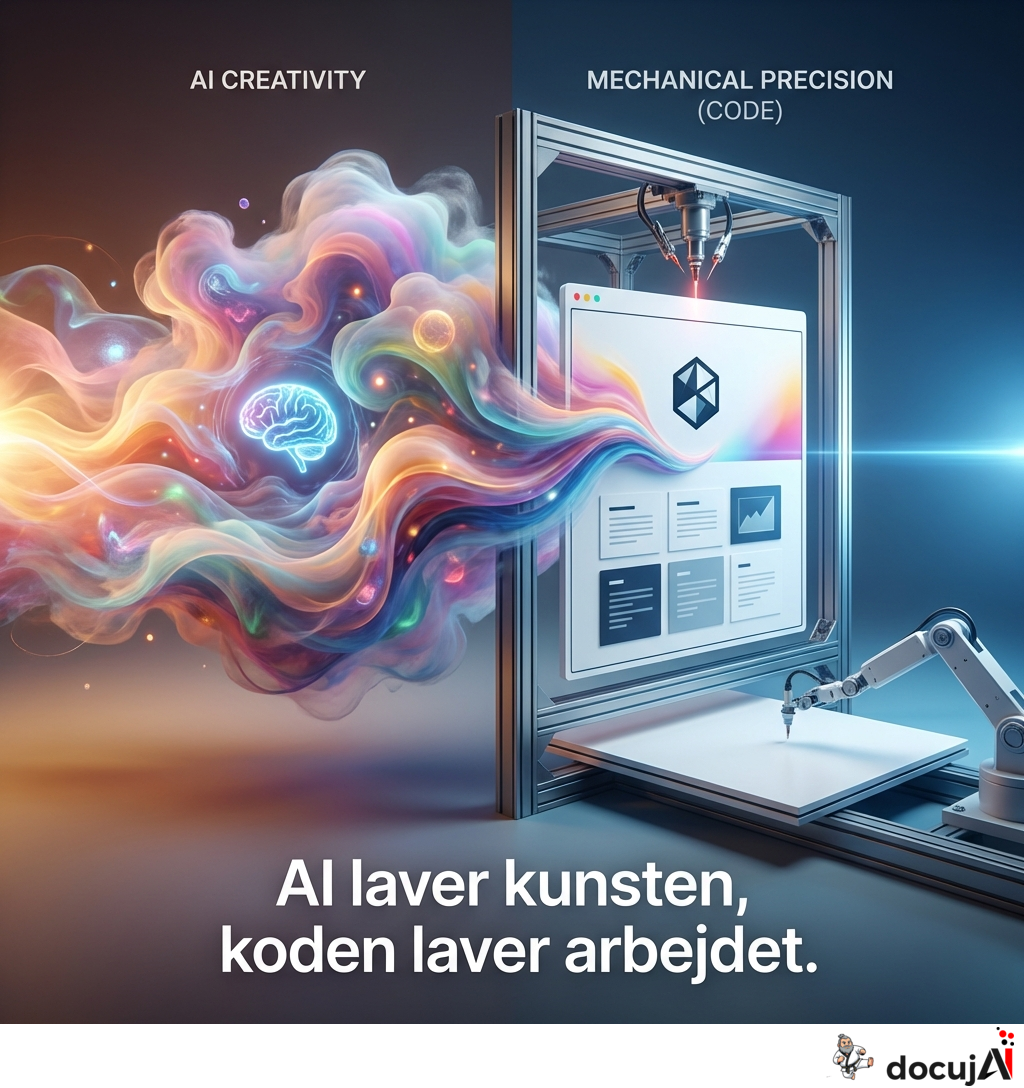
The point is that good AI automation isn't "let AI do it all." It's knowing where to use AI, and where to use a deterministic tool.
The LLM is good at translating an article into an image prompt – that's a creative, linguistic task.
The image model is good at generating illustrations – that's a creative, visual task.
ImageMagick is good at stamping a logo in exactly the same position every time – that's a mechanical, rule-based task.
If I let AI handle everything, I would pay more, wait longer, and get a less consistent result. By using each tool for what it's good at, I get a flow that is fast, cheap, and predictable.
What You Can Take Away
When you look at AI automation in your own company, ask this question for each step in the process:
Is this step creative or mechanical?
Creative steps – translation, rephrasing, classification, idea generation – are where AI earns its keep. Mechanical steps – file management, API calls, image manipulation according to fixed rules – should not use AI. They should use a script.
I'm not building a product here. I'm building my own workflow. But the principle scales: every time you have AI do something that ImageMagick, a spreadsheet, or a 20-line Python function could do cheaper and more reliably, you've chosen the expensive tool for the wrong reasons.
And when someone pitches you an AI solution that also needs to place the logo, save the file, and send a confirmation email – ask them what is AI, and what is script. If they can't answer clearly, they don't know themselves.